Welcome to LEARNIX
Learnix is a platform where students share study materials and help each other do better in college.
What you can do on Learnix:
- Find Study Material — Get notes, subject-wise content, and previous year question papers for your courses.
- Prepare for Exams & Placements — Access updated study resources to help you crack exams and ace placements.
- Upload & Organize — Upload your own notes and materials, and keep everything sorted by subject and topic.
- Practice on Our App — Download the Learnix app to take quizzes, get feedback, and study on the go.
Quick Resource FinderSearch Question Papers & Materials on LEARNIXType anything you want to explore on Learnix. Keywords separated by spaces are matched across all notes, syllabus & papers.
Type anything you want to explore on Learnix. Keywords separated by spaces are matched across all notes, syllabus & papers.
Take Learnix with you, everywhere
Install the official Android app for faster access to notes, uploads, question papers, and tools.
- Notes & papers
- Instant uploads

What is Learnix?
Learnix is a collaborative educational platform where students from different colleges can share, access, and download study materials to improve their academic understanding.
- Access study materials uploaded by students without login
- Download complete semester-wise learning resources
- Study material uploads support PDF and image files only
- File-sharing tools support all file types (ZIP, JPEG, DOCX, etc.)
Who is this platform for?
Learnix is designed for students who want easy access to study materials, simple explanations, and flexible file-sharing tools that support academic collaboration.
Students
Students who want to share, access, and refer study materials contributed by others.
Interview Preparation
Learners preparing for technical interviews who need quick access to notes, concepts, and shared resources.
Self Learners
Students who prefer learning at their own pace using shared educational resources.
Learnix is especially useful for students who need easy access to semester-wise study materials in PDF or image format. It helps learners revise concepts, prepare notes, and strengthen their understanding using peer-shared content.
The platform also supports interview preparation by allowing learners to collect and review shared resources across different topics, all in one place.
To upload study materials or use file-sharing tools, users must create an account. Accessing shared materials, however, can be done without login in many cases.
What you can learn here
Explore academic and technical topics shared by students and learners.
Data Structures
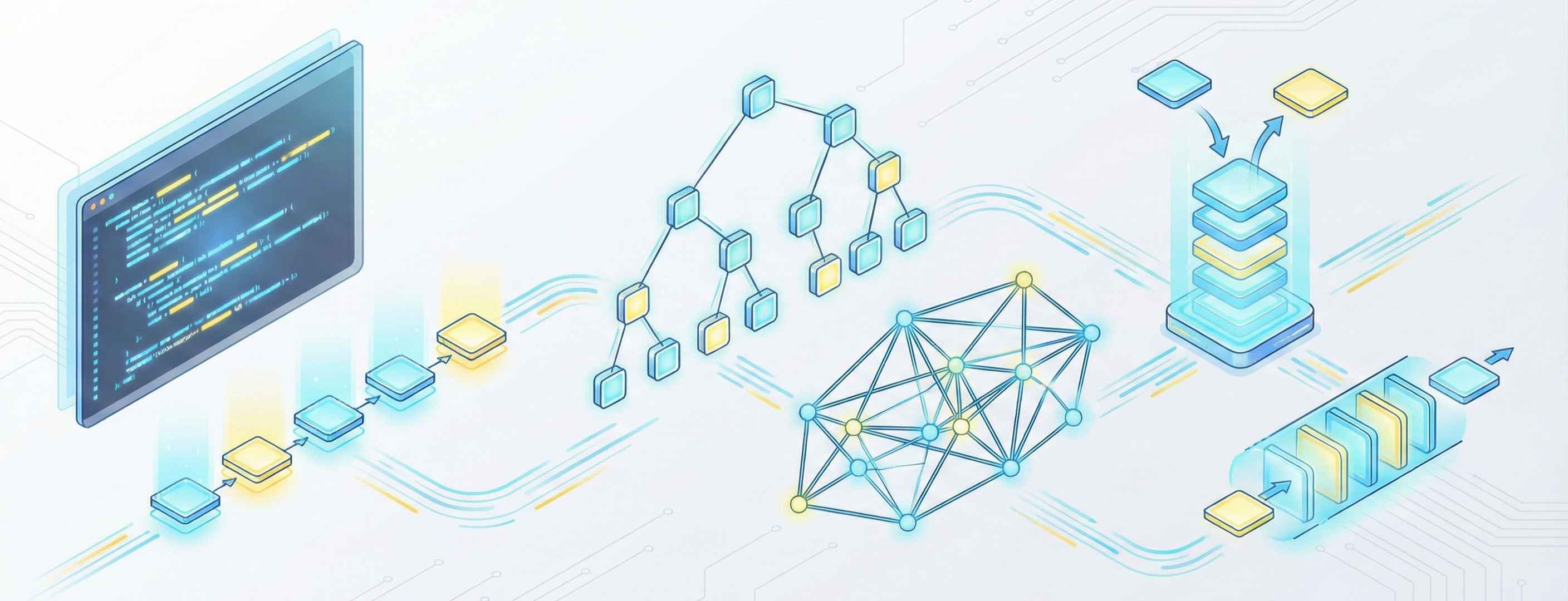
Arrays, linked lists, stacks, queues, trees, and graphs.
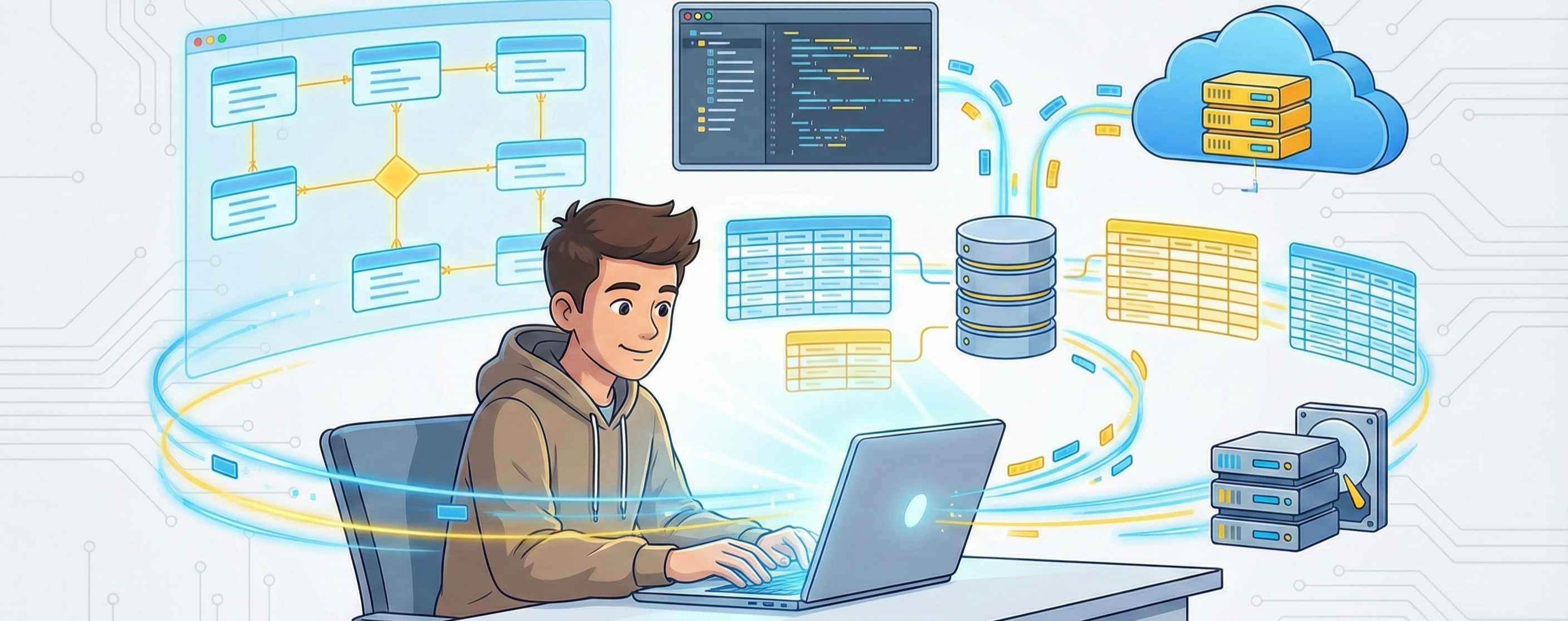
Database Management Systems
Normalization, indexing, transactions, and DBMS concepts.
SQL & NoSQL
MySQL, MongoDB, relational and non-relational databases.

Operating Systems
Processes, memory management, scheduling, file systems.

Computer Networks
OSI model, TCP/IP, protocols, congestion control.

Interview Preparation
Technical concepts, notes, and interview resources.
Data Structures
Arrays, linked lists, stacks, queues, trees, and graphs.
Database Management Systems
Normalization, indexing, transactions, and DBMS concepts.
How Learnix works
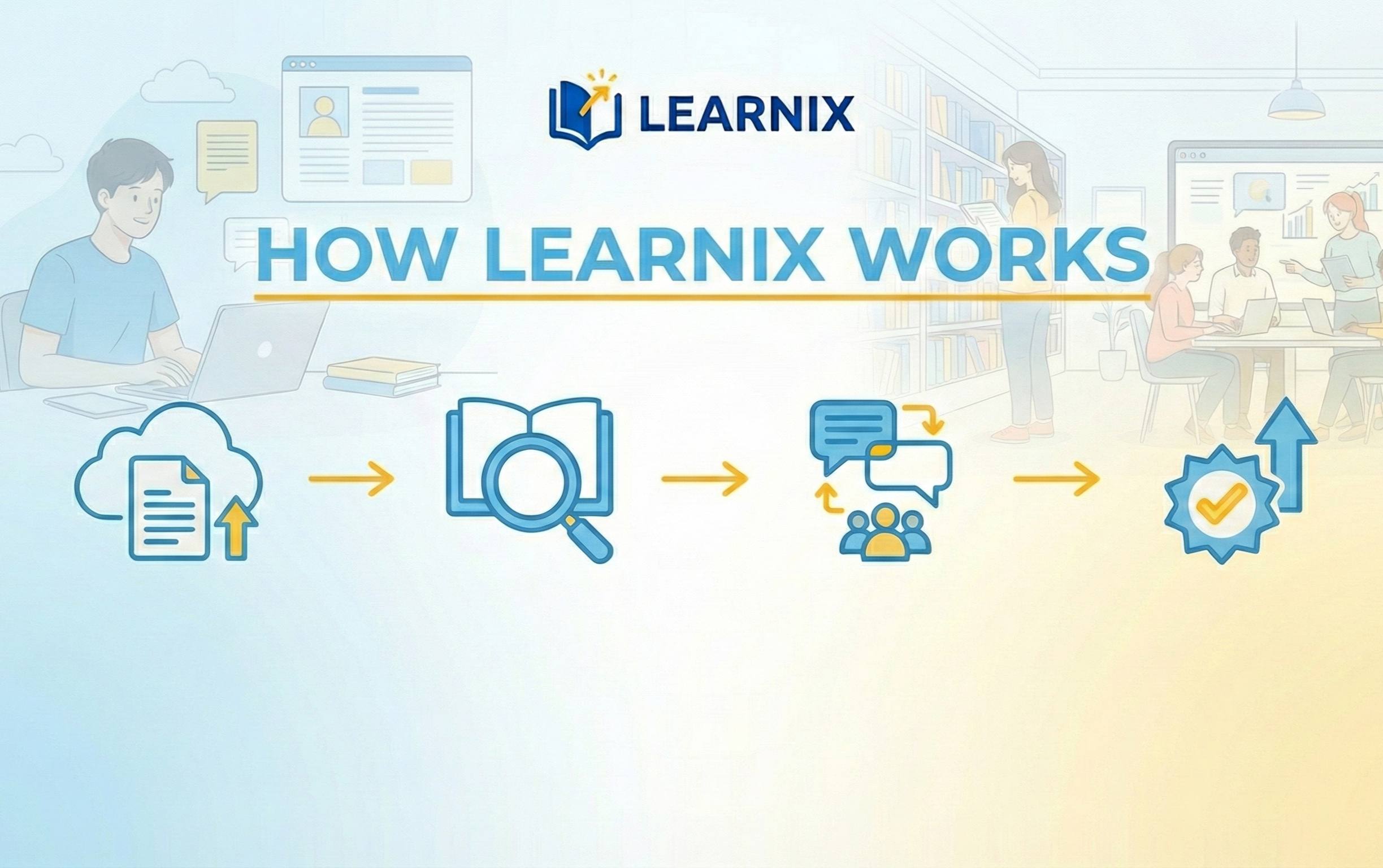
Learnix follows a simple and transparent process that allows students to access learning resources and share files easily.
Explore study materials
Anyone can explore and download shared study materials without logging in. This helps students quickly access useful academic resources.
Use file-sharing tools without login
Learnix provides device-to-device file-sharing tools that can be used without creating an account. Users can upload files and share them instantly using an access code.
Upload files and get an access code
For file sharing, users can upload any type of file such as ZIP, PDF, images, or documents. After uploading, a unique access code is generated to download the file from any device.
Login only for study material uploads
To upload study materials such as PDFs and images to the learning section, users must log in. This helps maintain content quality and organization.
Learn and contribute
Students can learn from shared materials and optionally contribute study resources after logging in, helping others in the learning community.
Sample public content
Learnix provides public learning content where students can attempt quizzes and instantly view their results — no login required.
Practice before you join
In the Learn section, students can attempt quizzes based on academic and technical topics. These quizzes are publicly accessible and help learners evaluate their understanding.
After completing a quiz, the score and result are shown immediately. This allows learners to practice freely before registering.
Explore Learn section →Sample quiz
What is the time complexity of Binary Search?
Previous Year Question Papers
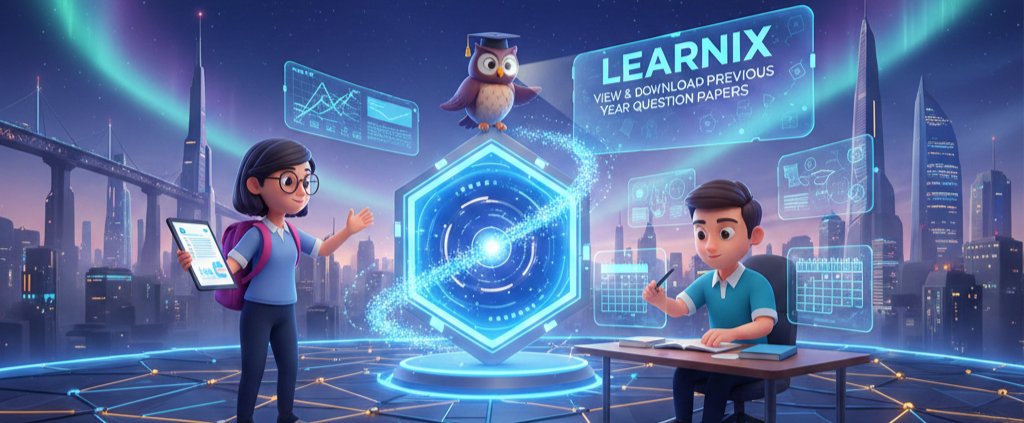
Access a comprehensive collection of previous year question papers organized by semester, batch, and exam type. Prepare better for your exams with real question papers from past years.
Latest Updates
See the most recent activity — subjects and public topics created by users.
Why Learnix is trustworthy
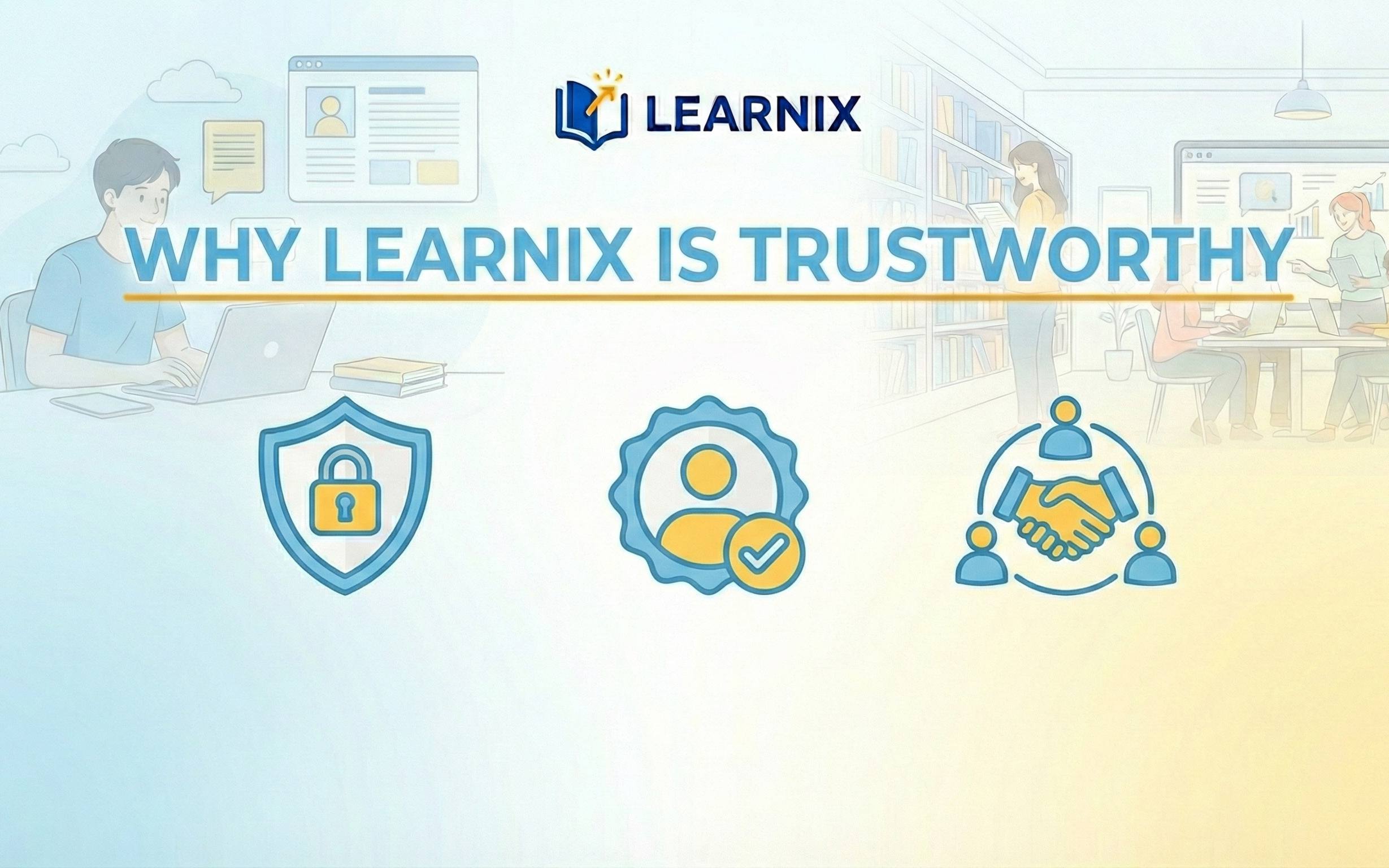
Learnix is built with a strong focus on security, privacy, and data protection to ensure a safe learning experience for students.
Secure file storage
All uploaded images and study materials are stored securely in Cloudinary cloud storage, ensuring reliability and protection against data loss.
Protected user data
User-related information is stored safely in MongoDB databases with controlled access and proper data handling practices.
Strong password security
User passwords are never stored in plain text. They are securely hashed using bcrypt, making unauthorized access extremely difficult.
Learnix follows responsible data handling practices to ensure that user activity, uploaded content, and authentication details are managed securely. Sensitive operations are protected, and only necessary information is collected to provide platform features.
Uploaded study materials and shared files are isolated per user or access code, preventing unauthorized access. Private uploads remain accessible only to intended users.
Learnix is transparent about how data is handled and encourages users not to upload personal or confidential documents. The platform is designed strictly for educational and learning purposes.